



Description
Anker 332 USB-C Hub 5-in-1 with 4K HDMI and 100W Pass-Through Charging (White)
Thin laptops have very few ports. The Anker 332 hub turns one USB-C port into five. You get HDMI for a monitor, three data ports, and a charging port.
You can charge your laptop through the hub while everything else stays plugged in. It works with MacBook, Windows, and ChromeOS laptops.
Key Benefits
- 5 ports from 1: HDMI, 2 USB-A, 1 USB-C data, and 1 USB-C charging port.
- 4K HDMI: Connect a monitor, TV, or projector at 4K 30Hz.
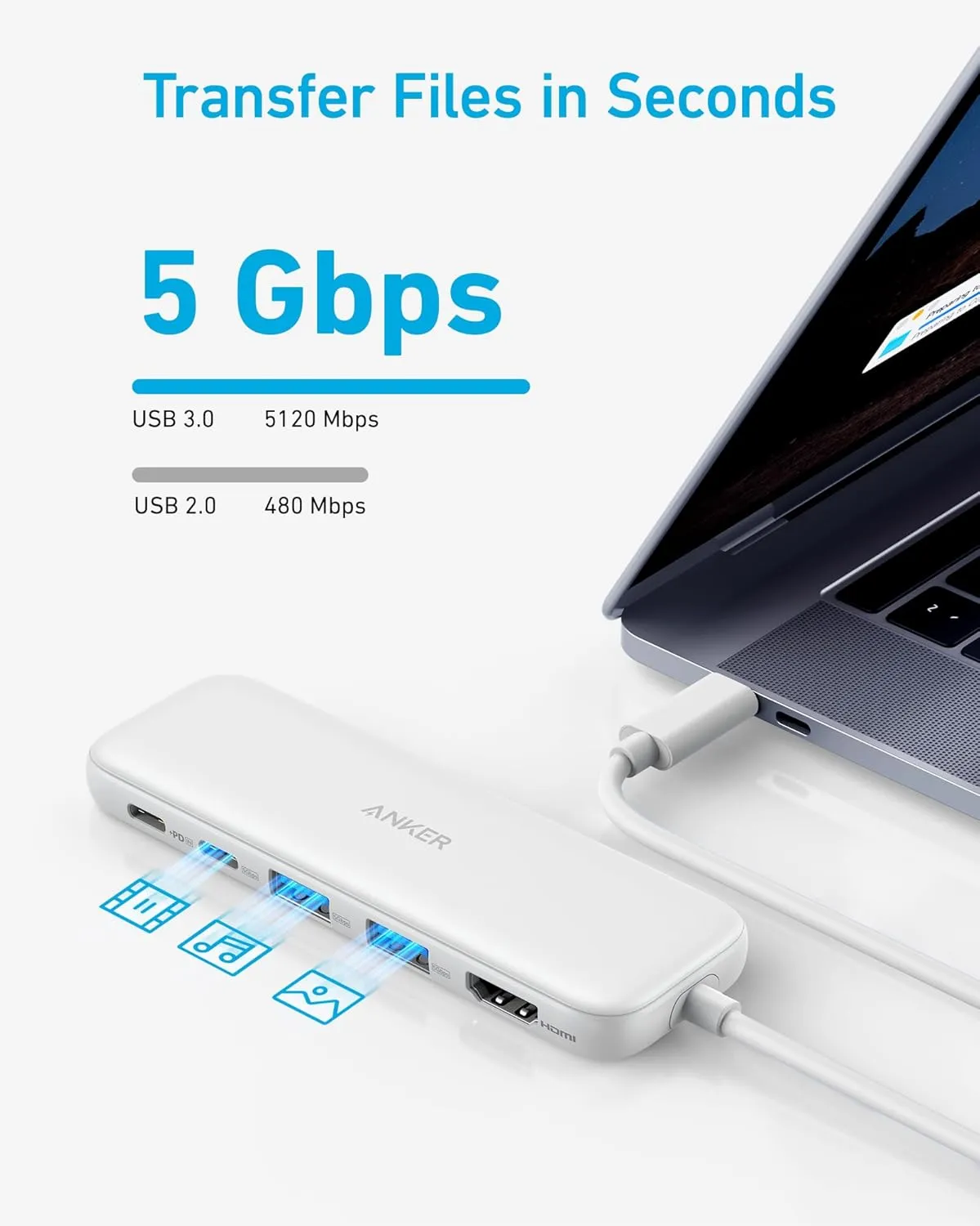
- Fast data: USB-A and USB-C data ports move files at up to 5Gbps.
- Pass-through charging: Plug in your charger. Up to 85W goes to your laptop.
- Wide support: Works with USB-C, USB4, and Thunderbolt ports.
- Trusted brand: Anker quality with an 18-month warranty.
Compatibility
- macOS 12 or later
- Windows 10 and 11
- ChromeOS
- Laptops with USB-C, USB4, or Thunderbolt that support DP Alt Mode and Power Delivery
Not compatible with Linux. The USB-C data port does not output video. The charging port is for power only, not for headphones or other devices.
Product Specifications
- Brand: Anker
- Model: 332 (5-in-1)
- Color: White
- HDMI: 4K at 30Hz
- Data ports: 2 x USB-A, 1 x USB-C (5Gbps)
- Charging: 100W input, up to 85W to laptop
- Charger: Not included
- Warranty: 18 months
Who Is It For?
- MacBook users: Add HDMI and USB-A ports to your desk.
- Office workers: Monitor, mouse, and charger through one cable.
- Presenters: Connect to meeting room projectors fast.
- Travelers: Small enough to keep in your laptop bag.
How to Use
Plug the hub into your laptop’s USB-C port. Connect an HDMI cable to your screen. Plug your drives or mouse into the USB ports. To charge, plug your laptop charger into the PD-IN port.
Why Choose the Anker 332 Hub?
Anker is one of the most trusted names in charging and hubs. This hub gives you the ports your laptop is missing, without adding bulk. You can use a monitor, drives, and charging all at once from a single port.
What Is in the Box?
- 1 x Anker 332 USB-C Hub (5-in-1)
- 1 x Welcome guide
Frequently Asked Questions
Can I plug headphones into the charging port?
No. The PD-IN port is for charging only.
Why 85W and not 100W?
The hub uses about 15W to run. The rest goes to your laptop.
Does it work with Linux?
No. It supports macOS, Windows, and ChromeOS.
Can I get video from the USB-C data port?
No. Use the HDMI port for video.
Is a charger included?
No. Use your laptop’s USB-C charger.
What is DP Alt Mode?
It lets your USB-C port send video. Your laptop needs it for HDMI to work.